

The About section shows which version of the Integration Cockpit is running, when it was built, and where to find the release notes and the API documentation.
Purpose: Identify the running version for support requests and compatibility checks, and reach the changelog and the API documentation of your own instance from one place.
Navigate to Settings → About.
About Overview
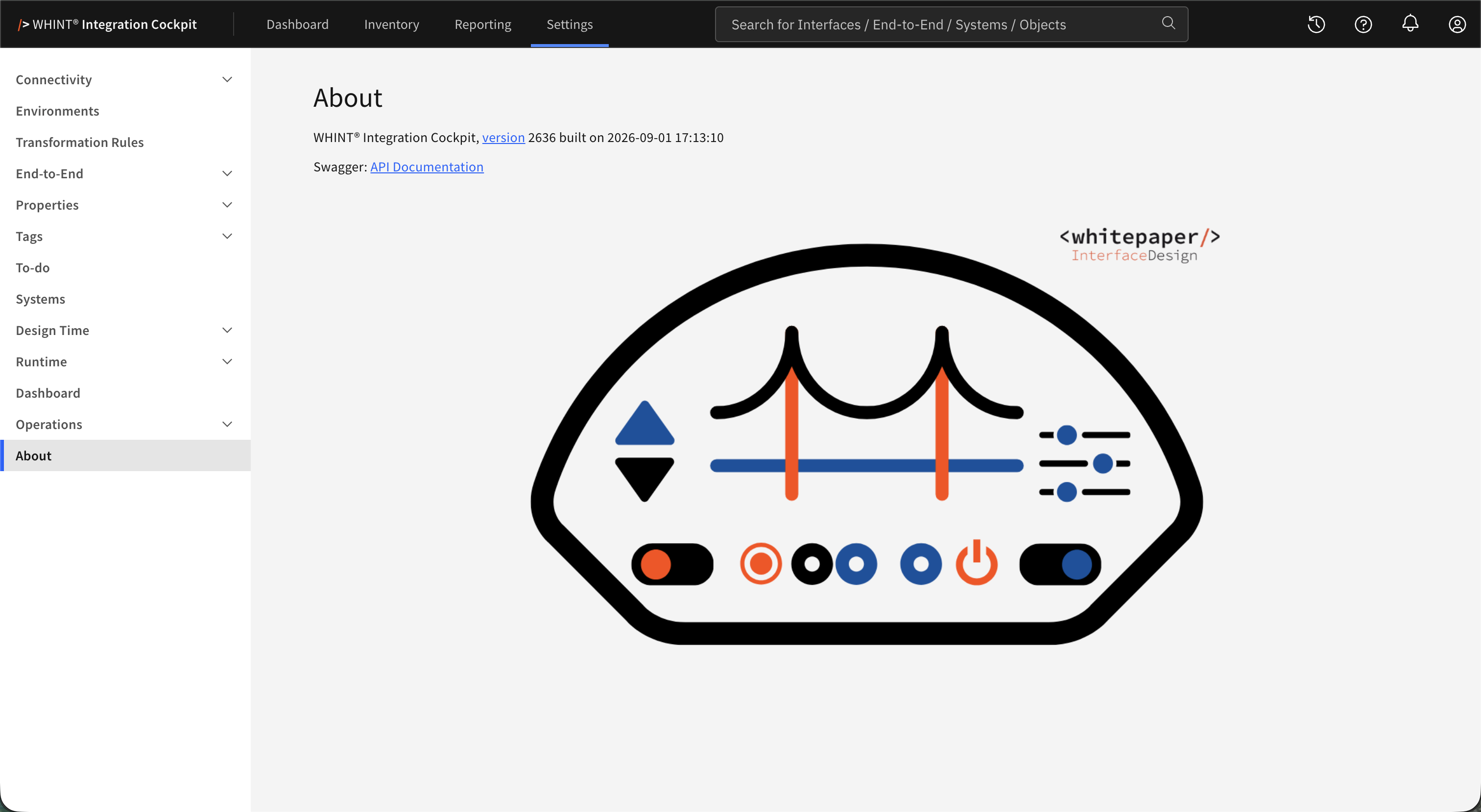
What you see:
-
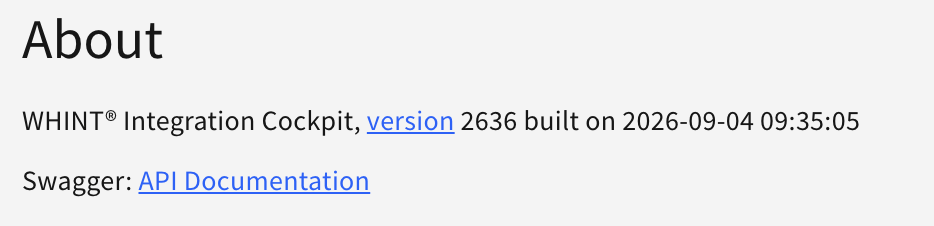
WHINT® Integration Cockpit, version … built on … – the running version and the build timestamp. version is a link to the changelog.
-
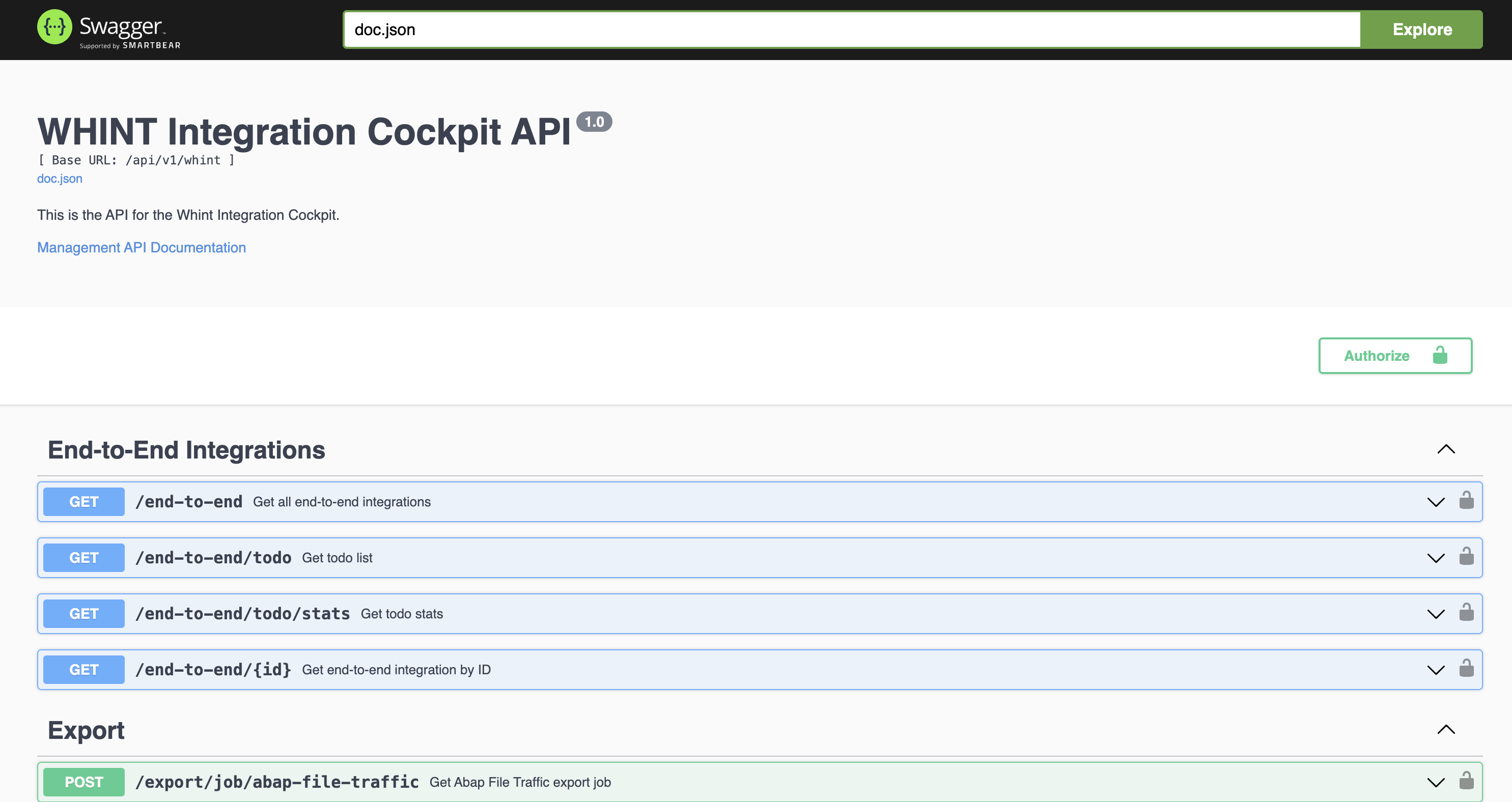
Swagger: API Documentation – opens the API documentation of your instance
-
The Integration Cockpit graphic with the whitepaper Interface Design branding
Version and Build Timestamp
The version number uses the year and calendar week of the build: 2636 stands for calendar week 36 of 2026.
The build timestamp shows the exact date and time the running build was created.
Include both values in support requests so together they identify exactly which build you are running.
Release Notes
Clicking version opens the Integration Cockpit Changelog with the delivered features and the release history. Check it after an update to see what changed in your instance.
API Documentation
Swagger: API Documentation opens the Swagger UI of your own instance. It documents the endpoints of the version you are running, so it always matches your build.
Last Updated: September 4, 2026