

The Table Size section shows how much data the Integration Cockpit stores in each database table.
Purpose: Identify which tables contain the most data and use the table and index sizes to understand database growth.
Navigate to Settings → Operations → Table Size.
Table Size Overview
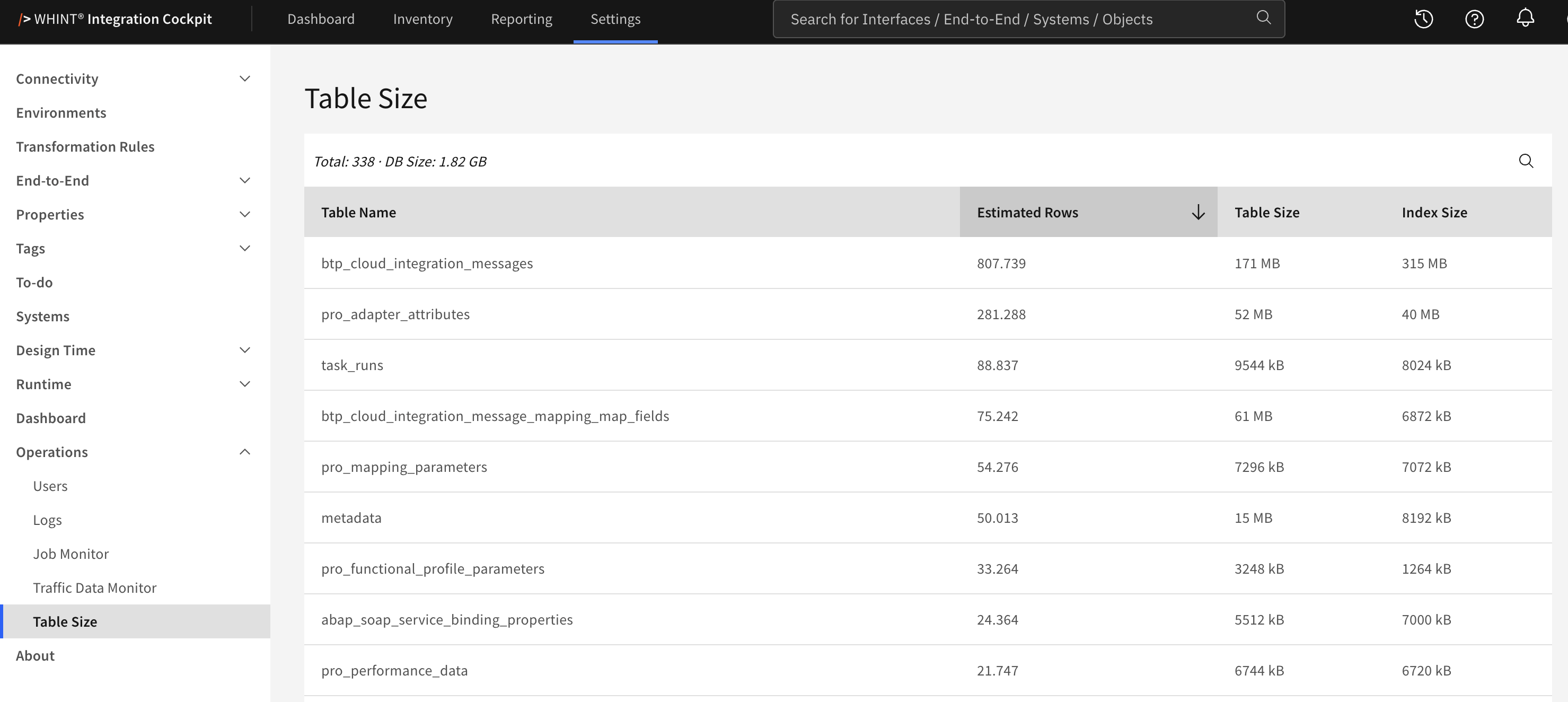
What you see:
-
Total – the number of tables listed
-
DB Size – the total size of the database
-
Search – filters the list by table name
-
A table with its Estimated Rows, Table Size and Index Size
Columns
|
Column |
Content |
|---|---|
|
Table Name |
The database table |
|
Estimated Rows |
The database's estimated number of rows |
|
Table Size |
The storage used by the table data, excluding indexes |
|
Index Size |
The storage used by the table's indexes |
DB Size is the size of the entire database and is therefore not the sum of the listed table sizes.
Estimated Rows is not an exact count. It is based on database statistics and can differ from the actual number of rows, especially after large imports or deletions.
Sorting and Search
Table Name and Estimated Rows can be sorted by clicking the column header.
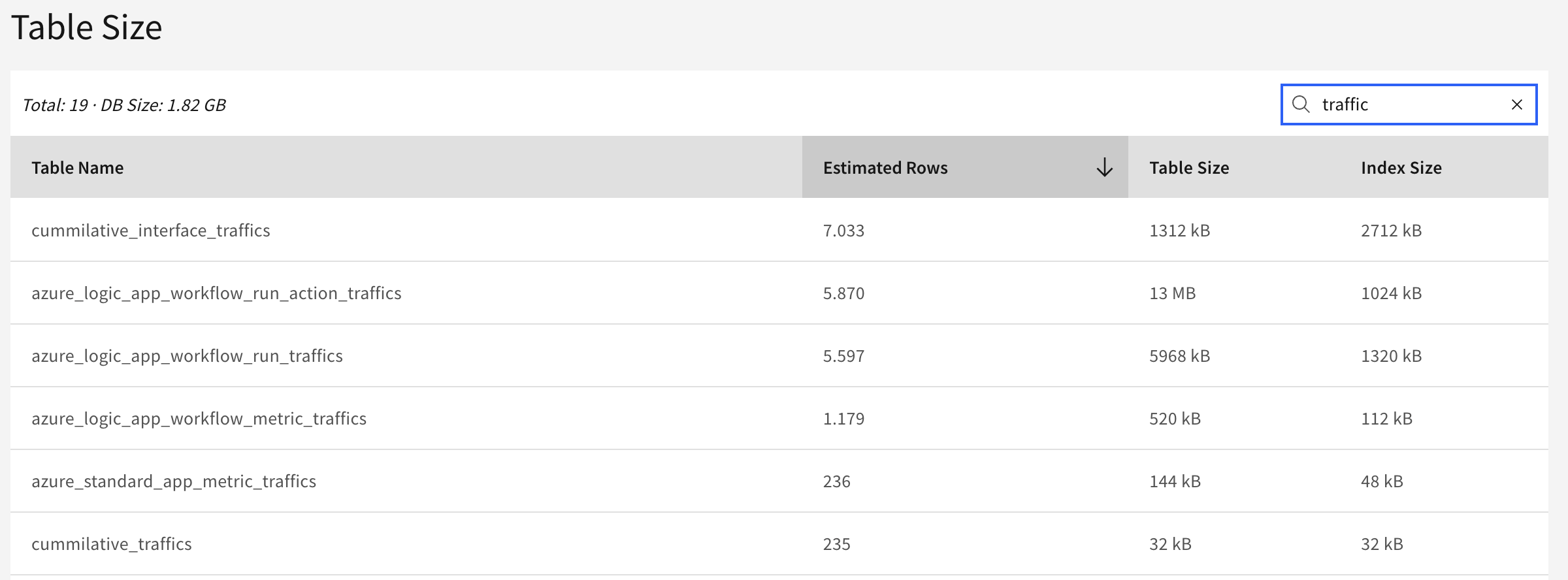
Search matches any part of the table name and is case-insensitive.
Understanding Database Growth
The tables that typically contain the most data are:
|
Tables |
Content |
|---|---|
|
|
Cloud Integration message data |
|
|
Process Orchestration data |
|
|
Data collected from ABAP systems |
|
|
Task execution history |
|
|
System logs |
|
|
Inventory data and attributes |
Tables with 0 estimated rows can belong to platforms that are not connected in your landscape.
Index Size can be larger than Table Size. Consider both values when assessing which tables use the most database space.
The Integration Cockpit limits data growth through the Housekeeping data source. Its Update task removes old log entries, while its Runtime task aggregates traffic data.
If database tables continue to grow unexpectedly, check Settings → Operations → Job Monitor and verify that the Housekeeping tasks are running successfully.
Related Documentation
-
Traffic Data Monitor – Check how much traffic data is stored per data source
-
Job Monitor – Check whether Housekeeping tasks are running
-
Housekeeping – Configure data retention and traffic aggregation
Last Updated: September 3, 2026