

The End-to-End Integrations catalog displays complete integration flows that span multiple systems and technologies. Use this view to browse integration processes and review auto-generated proposals from system analysis.
Workflow Integration: The End-to-End catalog connects with Inventory views to provide business context for technical interfaces, enabling comprehensive integration landscape understanding from both technical and process perspectives.
Navigate to End-to-End → Catalog to access the complete integration flow catalog.
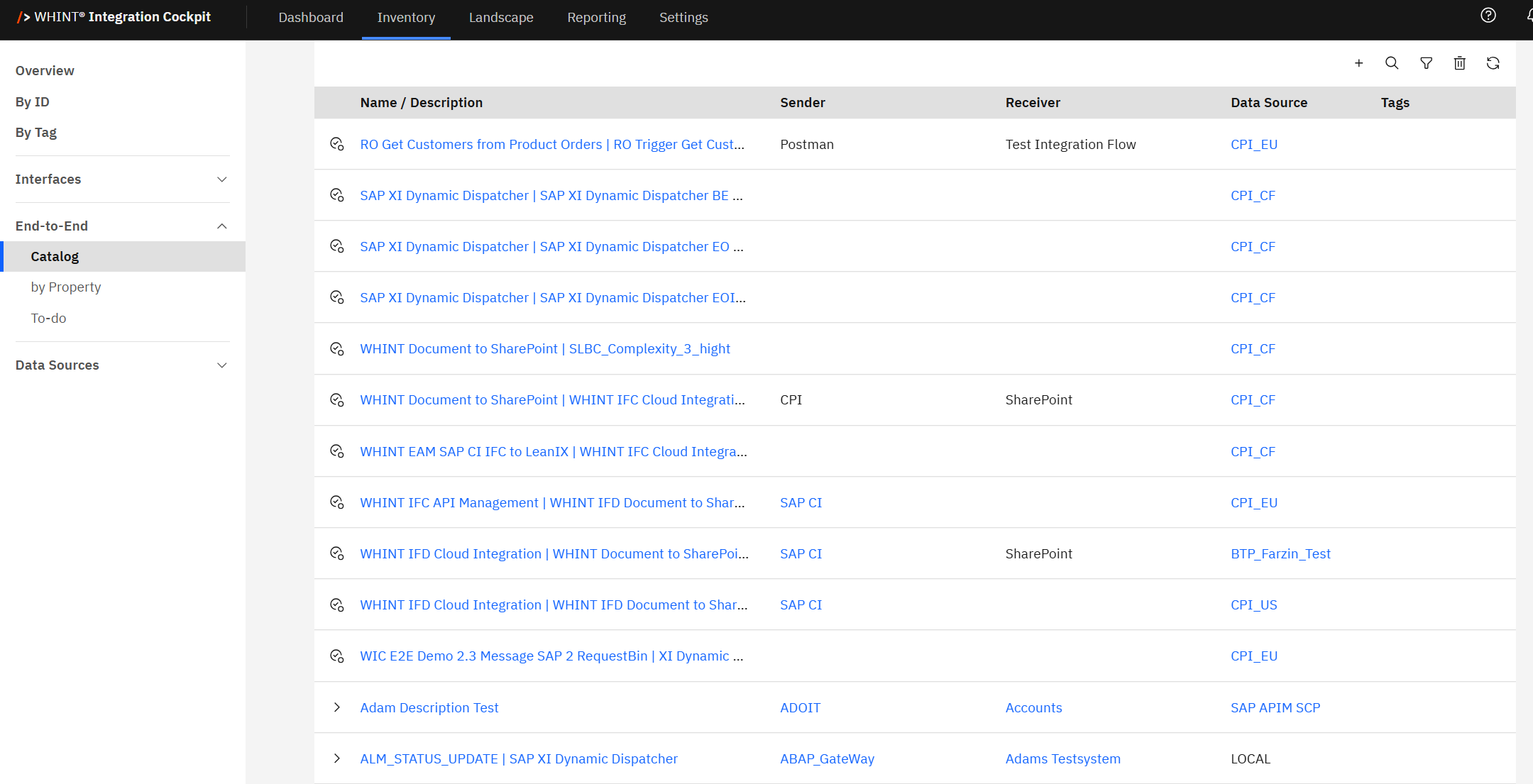
Catalog
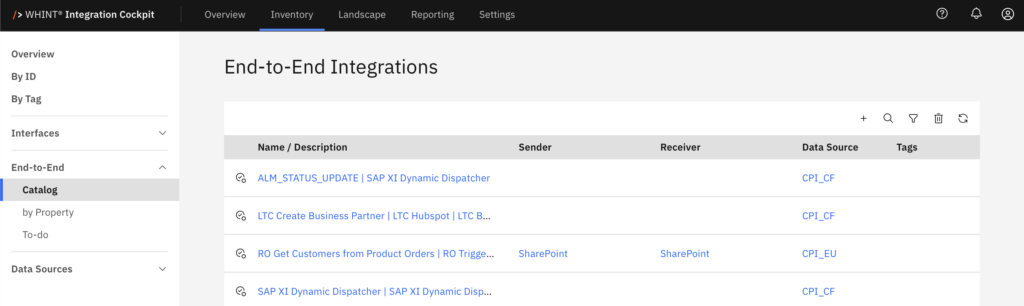
The Catalog displays all end-to-end integrations with auto-generated proposals and manually created flows.
Integration Table Columns
-
Name / Description: Integration flow identifier and business description (clickable)
-
Sender: Source system initiating the integration flow
-
Receiver: Target system receiving the integration data
-
Data Source: Connected system providing the integration data
-
Tags: Applied categorization labels for filtering and organization
Integration Types
Auto-Generated Proposals: Marked with proposal icons and "Automatically generated proposal" labels - these are system-suggested flows based on traffic analysis
Manual Integrations: Marked with arrow icons (▶) - these are integrations that users configured themselves
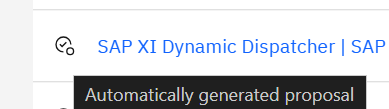
Auto-Generated Proposals: For SAP Integration Suite: Cloud Integration interfaces, the system automatically creates integration proposals based on message traffic analysis. Review these to discover integration patterns. For detailed guidance, see Auto-Generated Proposals in the Onboarding Guide.
Clicking an integration name opens the detailed integration view with complete flow configuration and metadata.
Filtering and Search
Use the toolbar controls to find specific integrations:
-
Search: Find integration flows by name or description
-
Filter: Show specific integration types or data sources
-
Add: Create new integration flows manually
For detailed instructions on creating end-to-end integrations, see Create End-to-End Integrations in the Onboarding Guide.
Best Practice
Regularly review auto-generated proposals to identify undocumented integration flows and convert useful proposals to permanent integrations.
Last Updated: August 20, 2025